Ahsoka: May The 4th Game Cinematic
Skills
Unreal Cinematic Work
Technical Art
Client
Ahsoka: May The 4th Game Cinematic
Location
New York City, New York
Year
2026
TOOls Used
Unreal Engine
Fornite Extractor
Adobe Substance Painter
Blender
Info
This is a game trailer created in Unreal Engine to celebrate May The 4th (Star Wars Day). Built using Custom Metahumans, Fortnite Assets, a lot of retexturing/remodeling and environment design!


Project Intro
In anticipation for Star Wars Day (May The 4th), and having recently finished watching the Ahsoka series, I realised just how much I loved her character and how compelling she is. I had also recently finished both Fallen Order and Jedi Survivor, two of the best Star Wars games I had played in a very long time. As such, I wanted to see what it would be like to have Ahsoka Tano appear in one of these games, or just her own standalone game series.
Technical Breakdown
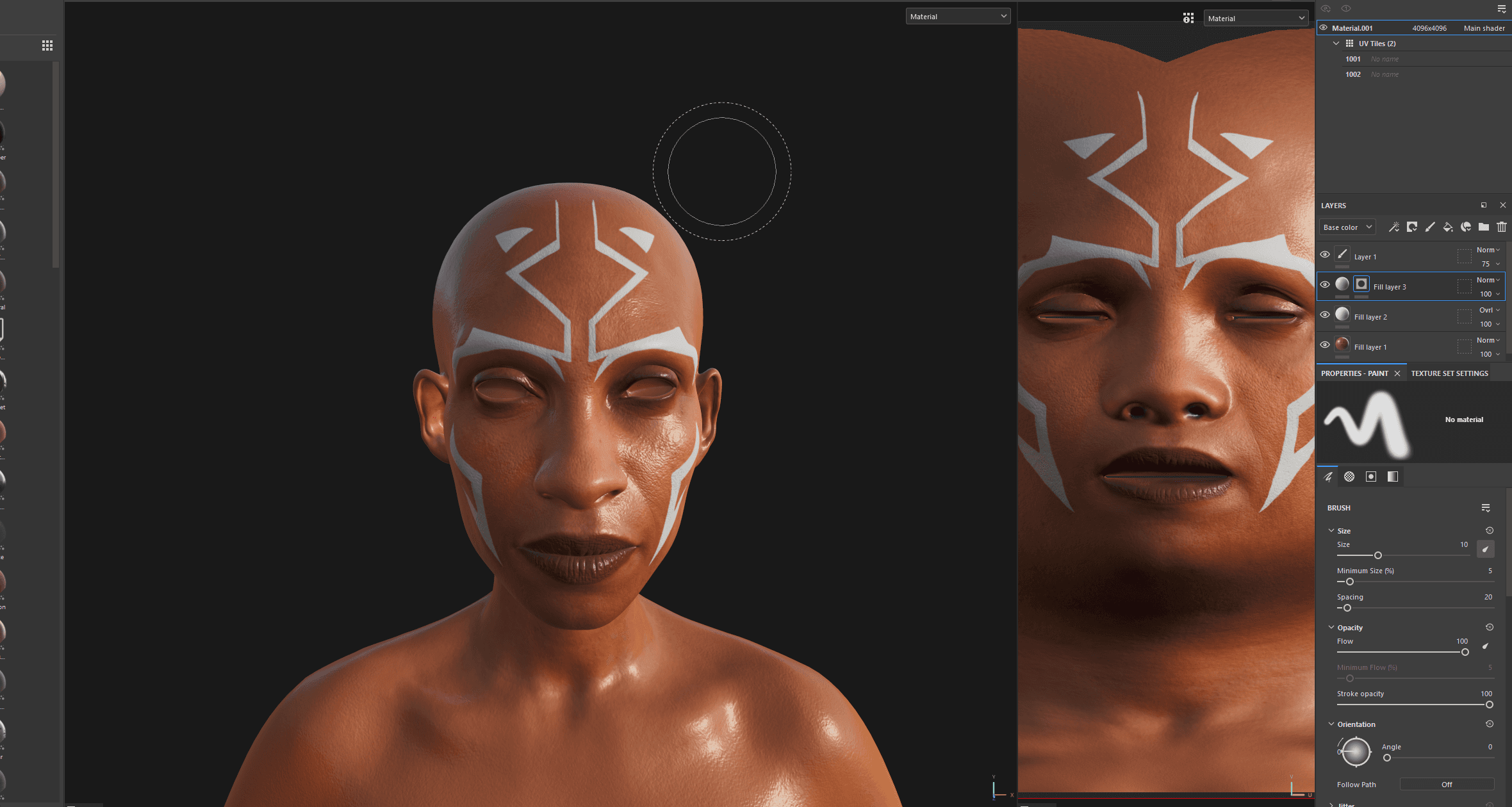
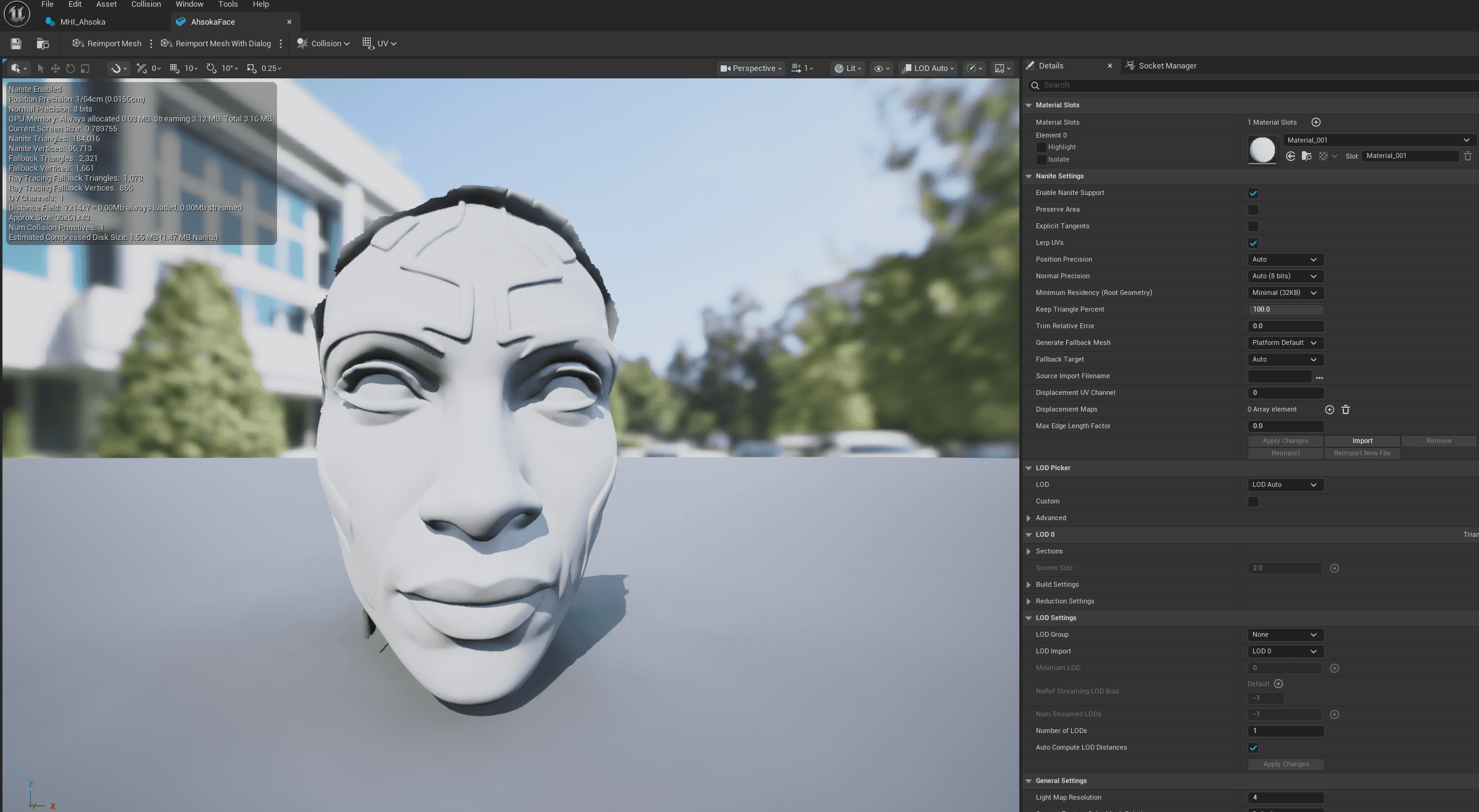
As usual, it all starts with a Metahuman. However, this time I did things a bit differently. I wanted my version of Ahsoka to look as close as possible to the Ahsoka portrayed in the series by the actress Rosario Dawson. I could've spent hours tediously moving sliders around in the hopes to get as close to an accurate look as possible. Instead, I chose a different approach leveraging the Metahuman Identity mechanism in Unreal. Feeding a 3D scan of a character's head into unreal allows us to use their likeness for metahumans. The only issue was getting ahold of a sculpt of Rosario Dawson's head. So, instead, I did two things: first, I got a screenshot of Ahsoka from the series, then used Google Gemini to generate an image of her facing the camera, which came out quite nicely. I then used Tripo 3D, an AI 3D generation tool, to Generate a mesh based on the image I'd generated with Gemini. This gave me a strong base to use for a good and relatively accurate looking Metahuman Identity to work with, especially on a budget. The next step was to create the identity by using the cleaned up mesh. Texturing the character after that in Substance Painter was very straightforward once I exported the mesh. I made sure to match Ahsoka's face markings to a T!
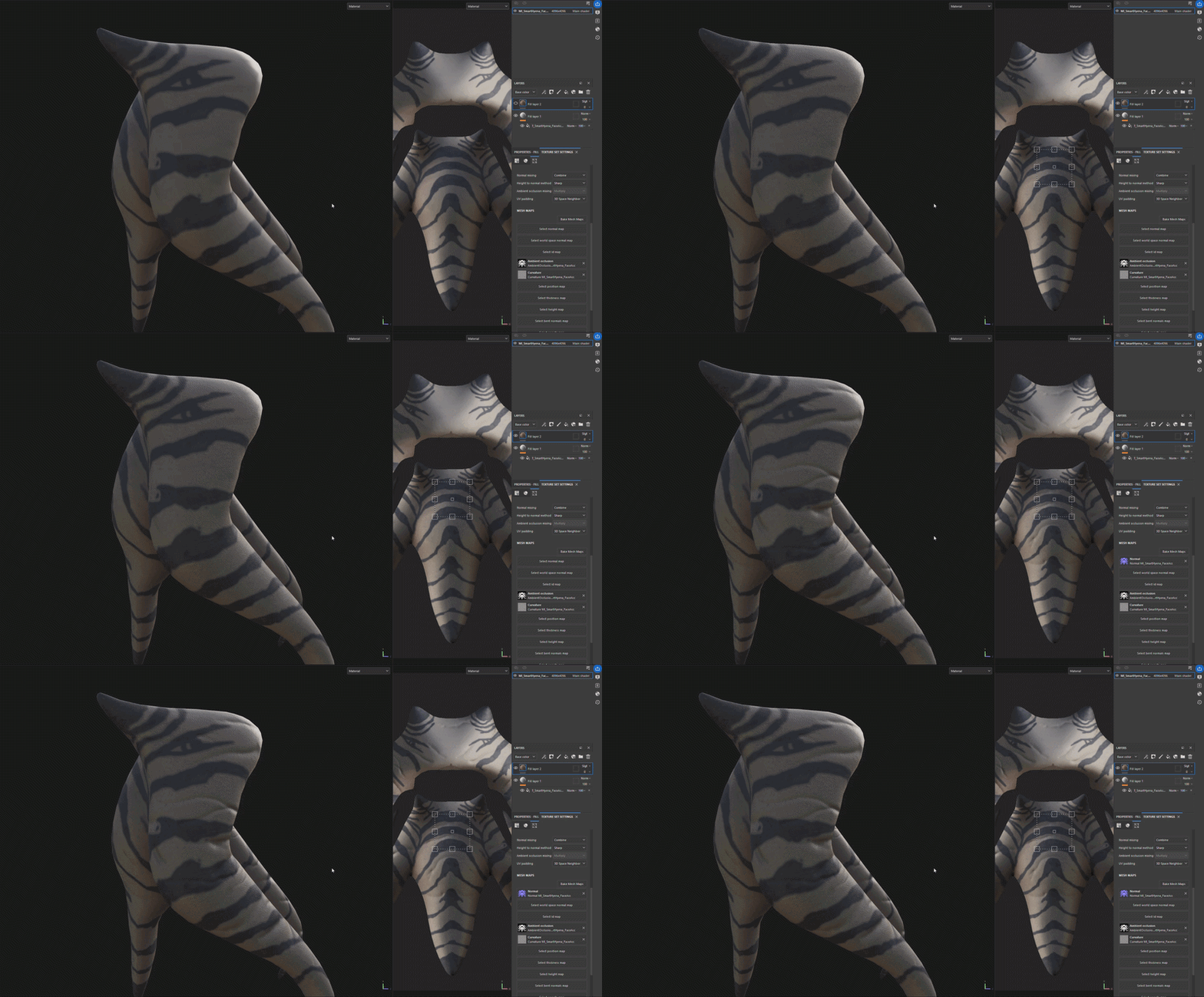
Once I had finished prepping everything, it was time for assembly. I had spent quite a bit of time getting Ahsoka's Lekku (head appendages) to simulate physics properly. I Made sure to assign bones, do some weight painting in order to create smooth simulation. With this setup, Ahsoka's Blueprint could easily be used for live performance. I can't help but think of the possibilities of having actors portray her with facial tracking and mocap in a live setting.
Environment Design and Kitbashing
With Ahsoka's Blueprint prepped and all of her assets ready, I had to move on to the environment. I knew I wanted Ahsoka to be in a high up place, somewhere filled with greenery, but also ancient architecture, as is the standard for Star Wars adventures. So I started collecting references, putting together a moodboard and then gathering assets to match.
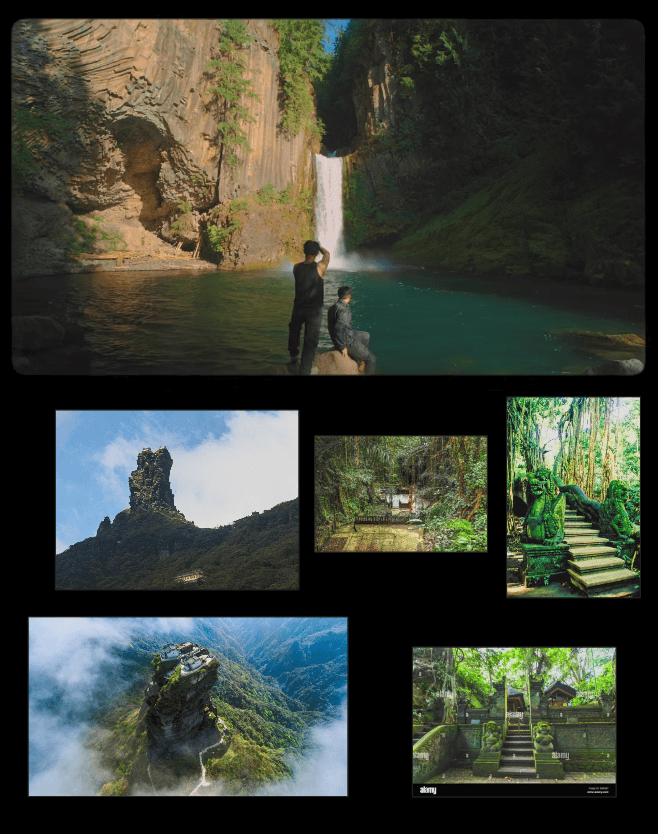
Once I was done, I had to start kitbashing. I leveraged two asset packs from Fab and Quixel Bridge. Below is a screenshot of the finished result. At the peak of a mountain on a distant planet, this is where Ahsoka seeks refuge, meditating on past encounters.
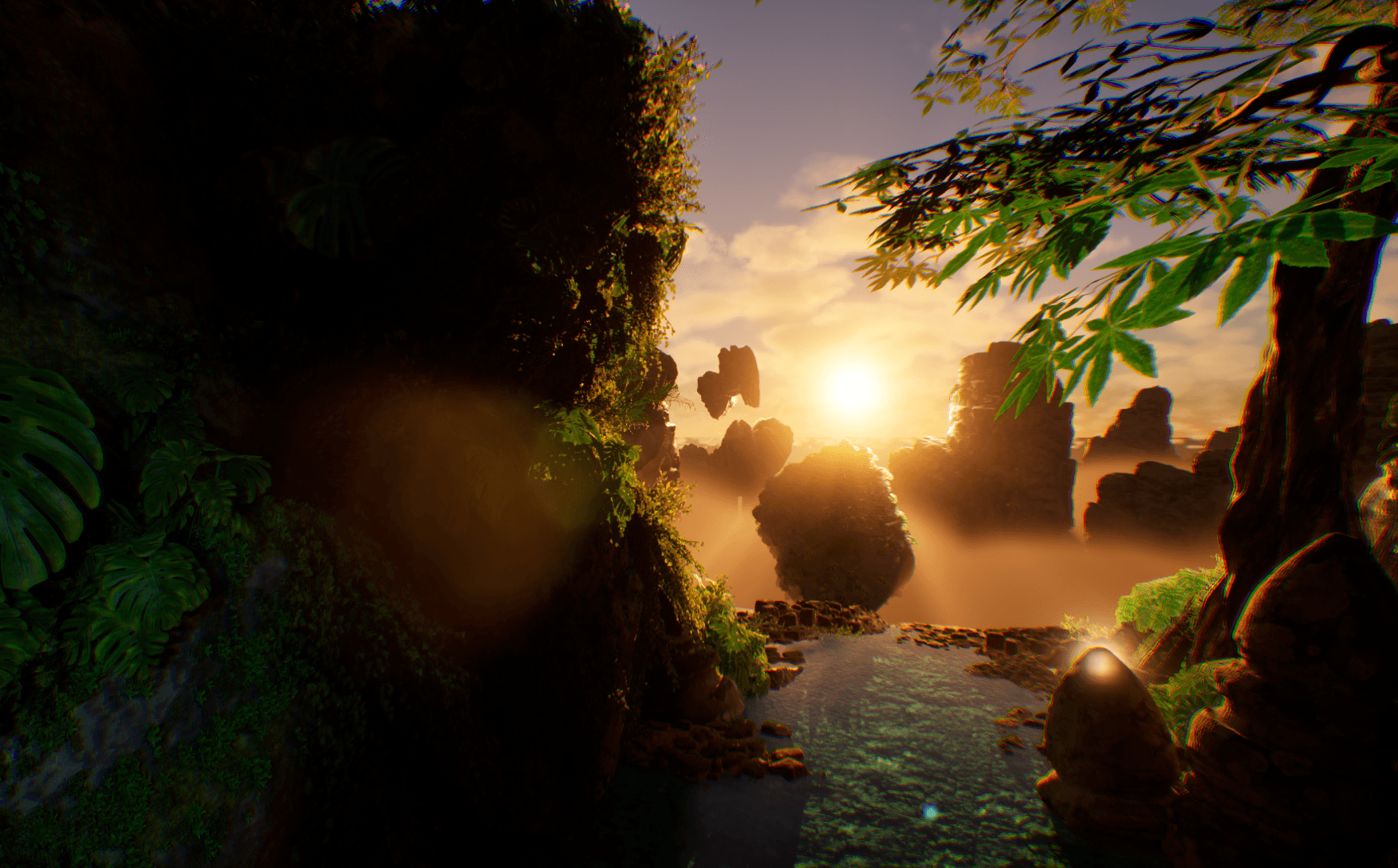
FULL ENVIRONMENT BREAKDOWN VIDEO (CLICK ME).
Crafting The Lightsabers And Activation In The Sequencer
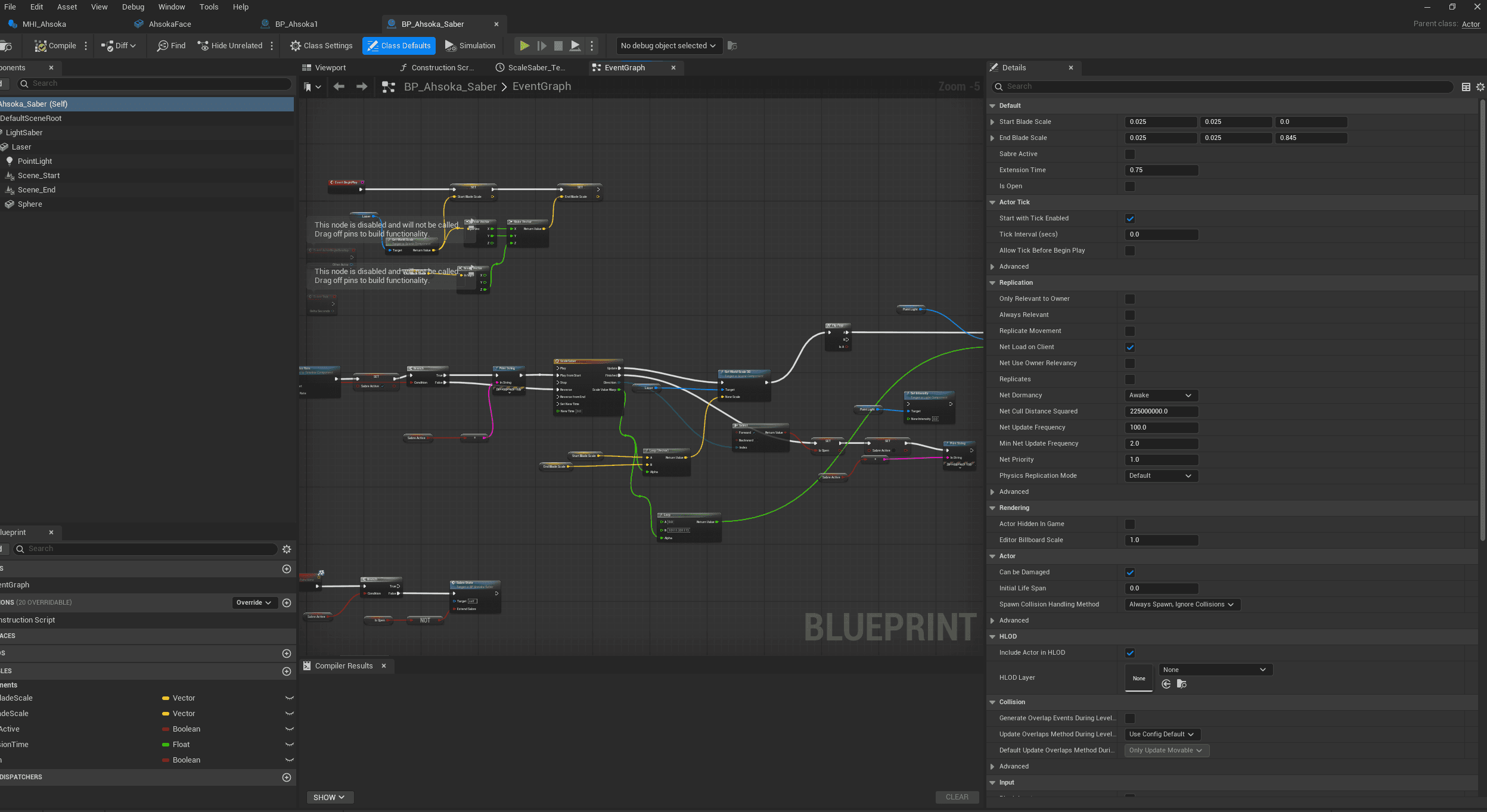
Creating Blueprints for the Lightsabers was pretty straightforward, thanks to a couple of tutorials I picked up online. The idea here is to attach a cylinder to the Static Mesh of your Lightsaber, increasing then decreasing its scale depending on whether it has been activated or not.
We use a boolean called Saber State in this instance to check whether it has been activated or not. We then use a timeline node to increase or decrease the scale of our cylinder over time, creating our animation.